Water Supply Alternatives in Odesa
Overview of the water supply situation in Odesa and alternative water sources during the power outage.


The Whistleblower Portal has been operational for over a year, currently involving more than 7,500 organizations and receiving over 4,100 reports.
To assist users in effectively utilizing this digital service, the NACP has developed guidelines for optimizing work with the Whistleblower Portal.
What steps should a manager take to connect their organization to the portal?
First, send a request letter to the NACP to obtain permission for the organization to connect;
After receiving such permission, follow this link:https://id.eppv.nazk.gov.ua/ and log in using a file or hardware key. The system supports only the following key formats: .jks, .pfx, .pk8, .zs2, .dat.
For further actions within the system, you should do the following:
If the authorization is successful, the system will automatically redirect you to your personal manager's account.
For more details on connecting to the portal: https://nazk.gov.ua/uk/83112/
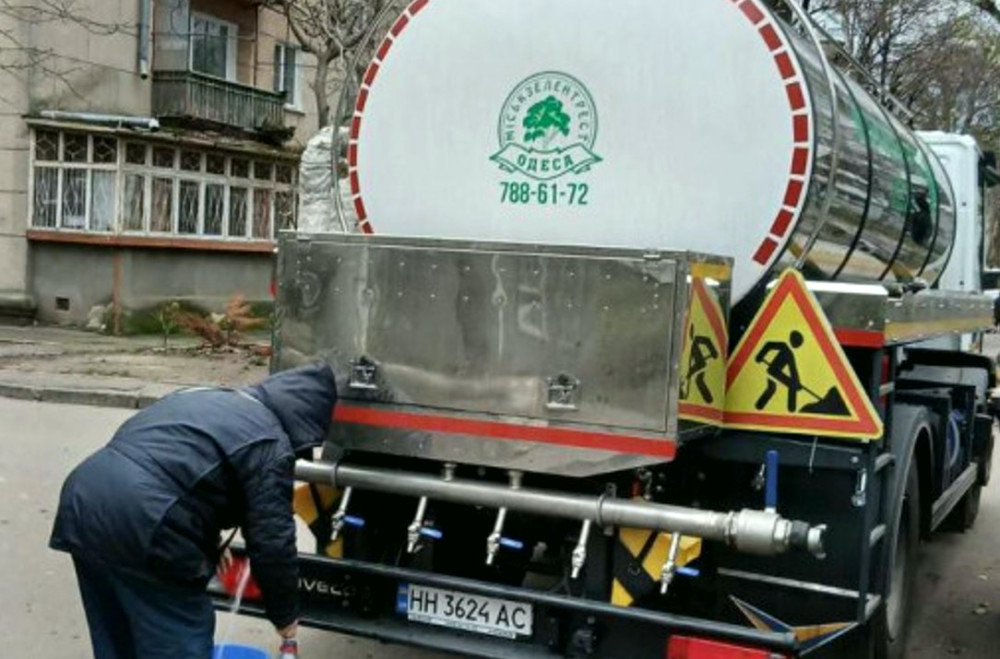
Overview of the water supply situation in Odesa and alternative water sources during the power outage.
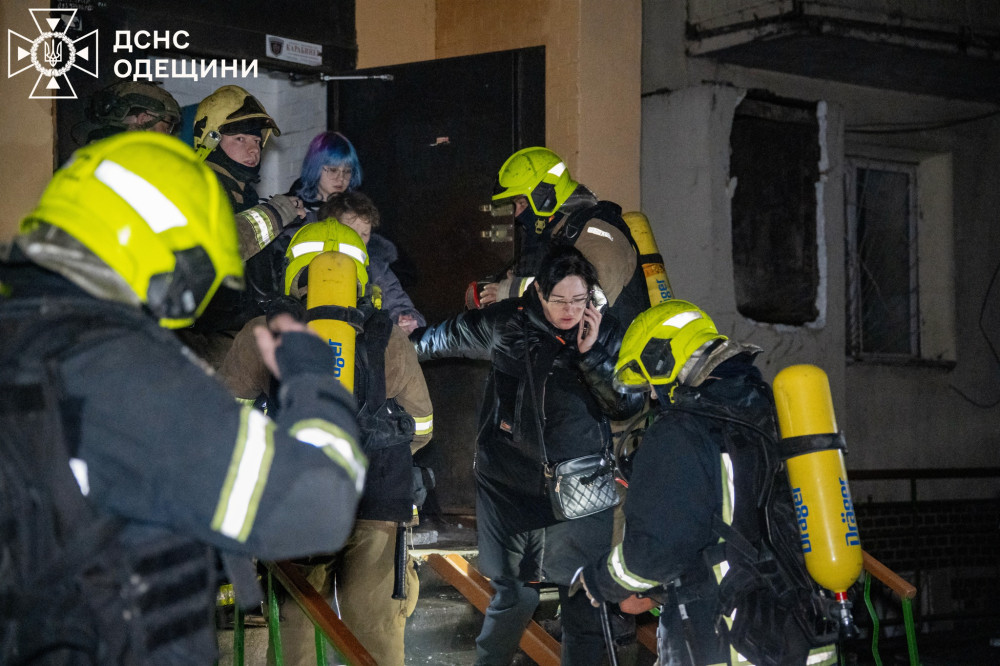
The situation in Odesa worsens as new drone attacks lead to damage to residential buildings and infrastructure.

The Ukrainian junior ice hockey team achieved victory at an international tournament in Austria, preparing for the world championship.